New P-Video model
Added P-Video as a low-cost draft video option with support for text-to-video, optional start image input, optional end frame when a start image is present, 1-10 second durations, and 720p or 1080p output.
Try our free limited time world cup template
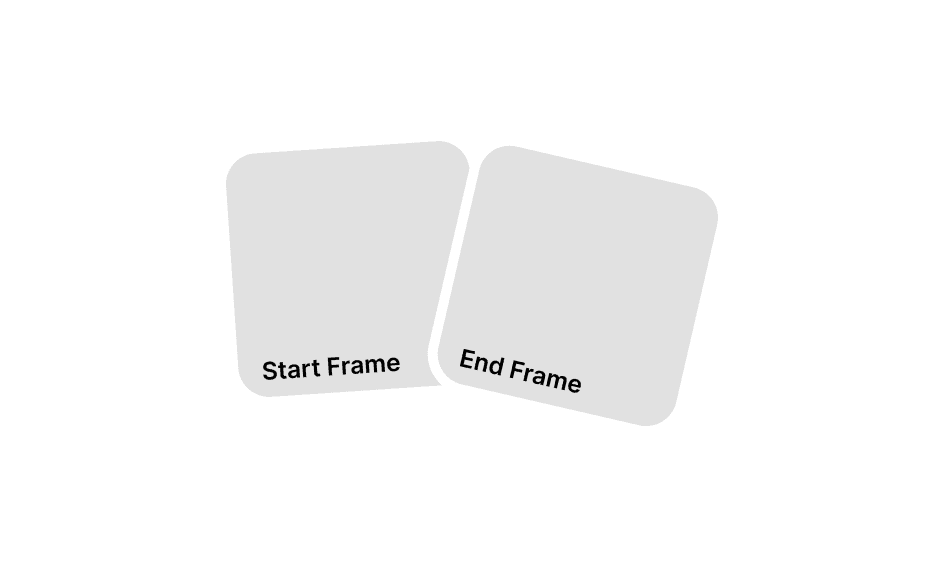
This update adds the new P-Video and Pixverse models, introduces Headshot Studio, expands start and end frame support across video generation, fixes several frame-selection and aspect-ratio bugs, and refreshes parts of the UI including notification controls.
Added P-Video as a low-cost draft video option with support for text-to-video, optional start image input, optional end frame when a start image is present, 1-10 second durations, and 720p or 1080p output.
Added the new Pixverse video model and a dedicated Headshot Studio flow for generating polished square professional portraits from one or two reference photos.
Video generation now gives you more control over how a shot begins and ends, with model-aware support for flows that allow no images, only a start frame, or a guided start-plus-end-frame setup.
Fixed frame replacement from AI Drive, cleaned up linked start/end frame slots, improved uploaded-image aspect ratio behavior, and updated notification settings with a clearer bell-based toggle.
This release focuses on video generation controls, new model coverage, image workflow expansion, and interface cleanup.
We added P-Video as a new low-cost draft video model for fast iteration.
It includes:
This gives teams a cheaper motion option for rough cuts, concept testing, and quick drafts before moving to more expensive models.
We also added Pixverse as a new video generation option in the model lineup.
That gives teams another motion model to test when they want a different output character, faster experimentation, or a better fit for specific creative briefs.
We added Headshot Studio as a focused workflow for generating polished professional portraits.
It includes:
This gives teams a faster way to create profile photos, founder portraits, team-page imagery, and other clean professional headshots without building the setup manually inside a general image tool.
The video creation page now respects model-specific media rules instead of treating all models the same.
That includes:
This should reduce invalid UI states and prevent the page from sending unsupported inputs for the selected model.
We improved the frame workflow on the video generation page so you have more control over the shape of the final video.
By choosing a start frame and, where supported, an end frame, you can guide the model more deliberately:
That makes the tool more useful when you want the video to follow a specific visual direction instead of generating a loose interpretation.
The updated workflow also makes those controls easier to use in practice:
A short walkthrough of the new start and end frame flow added in this release.
We fixed several issues around image-driven aspect ratios:
This makes image-to-video workflows much more predictable, especially when users upload real exported assets that are close to standard formats but not mathematically exact.
We also shipped a small interface polish pass:
This update is mainly about making the video workflow cheaper, clearer, and harder to break while tightening up a few UI details across the product.