Agent Mode is more capable
Agent Mode can now help shape more finished outputs for day-to-day work, from structured documents and reports to more useful planning material.
Try our free limited time world cup template

This week's update makes BRYX feel more like a real shared workspace: Agent Mode is more capable, AI Drive now has folders, and teams can see who's currently active.
Agent Mode can now help shape more finished outputs for day-to-day work, from structured documents and reports to more useful planning material.
You can now organize generated assets, references, campaign work, and project files into folders so your workspace stays easier to scan as it grows.
BRYX now shows who is currently active in the workspace, making collaboration feel more immediate and less like everyone is working in separate tabs.
Together, these updates make BRYX smoother for teams: create the work, organize it properly, and see who is around while it is happening.
This week's release is focused on making BRYX feel more organized, more collaborative, and more useful inside real creative workflows.
BRYX is becoming more than a place to generate assets. It is turning into a workspace where teams can create, keep track of what they have made, and stay aware of who is working alongside them.

Agent Mode, formerly known as Writer Mode, has been upgraded into a more capable workspace for creating usable outputs instead of just simple chat responses.
You can use Agent Mode when you want BRYX to help turn an idea, brief, dataset, campaign plan, or research task into something more structured and practical.
That includes:
The aim is simple: Agent Mode should help you create the finished thing, not just describe it.
AI Drive now supports folders.
That gives you a cleaner way to organize creative assets, generations, references, client work, campaign material, and project files inside BRYX.
You can group work by whatever makes sense for your workflow:
No more scrolling through everything in one long view. Your generated work now has somewhere to live.
This matters more as your workspace grows. AI Drive is becoming the memory layer for the creative work you make in BRYX, and folders make that memory easier to use.
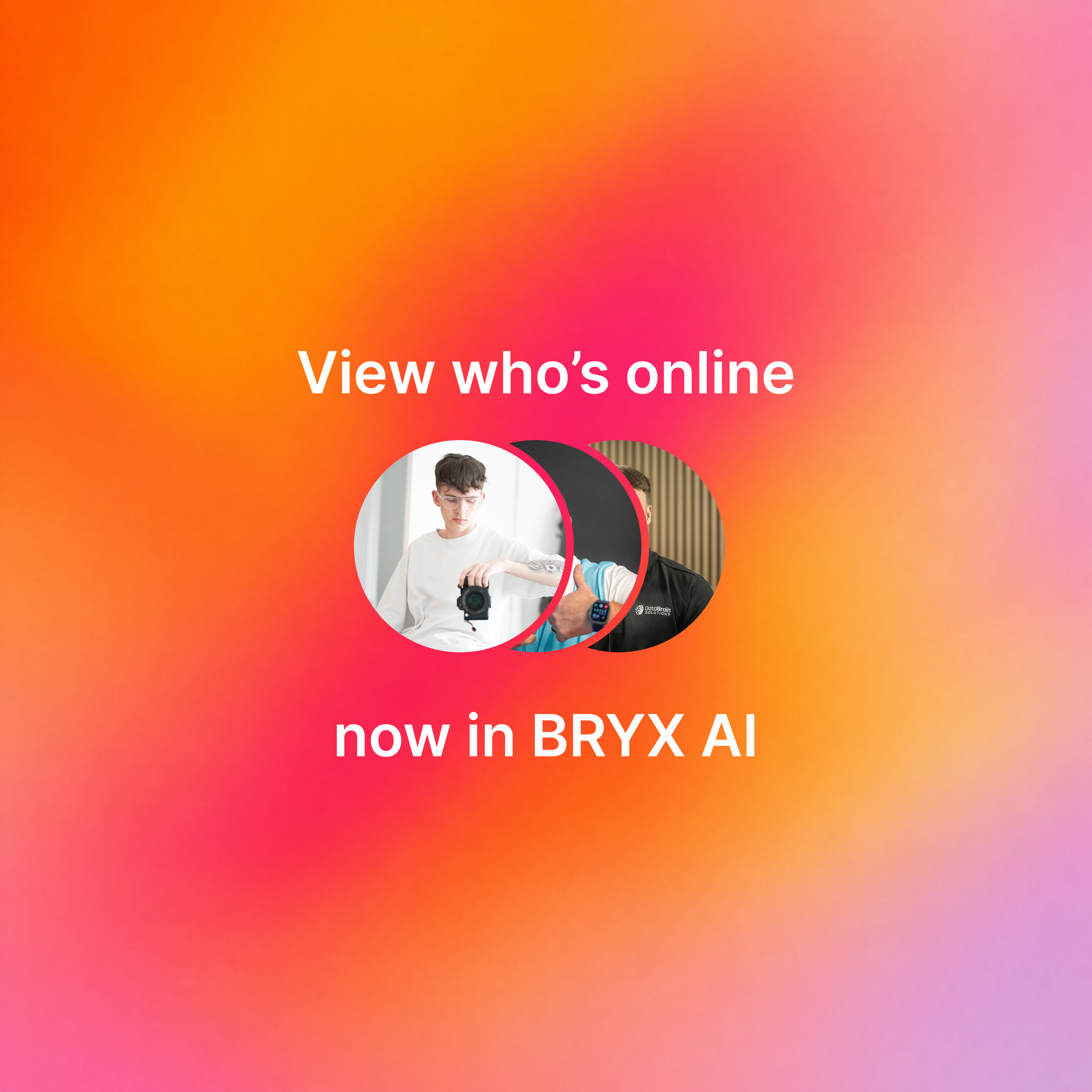
You can now see who is currently active inside BRYX.
It is a small feature, but it changes the feel of the product. When you can see that teammates are around, BRYX feels less like a solo tool and more like a shared workspace.
That is useful when someone is:
You get a clearer sense of who is present, who is available, and who is already moving through the same workspace.
This release is about reducing the scattered feeling that can happen when creative work moves quickly.
Agent Mode helps you move from idea to working material.
AI Drive folders help your files stay useful after they are created.
Who's Online helps your team feel present while the work is happening.
Together, these updates make BRYX smoother, more structured, and better suited to the way teams actually create.